10 Best Epson Ecotank Printers 2026 in the United States



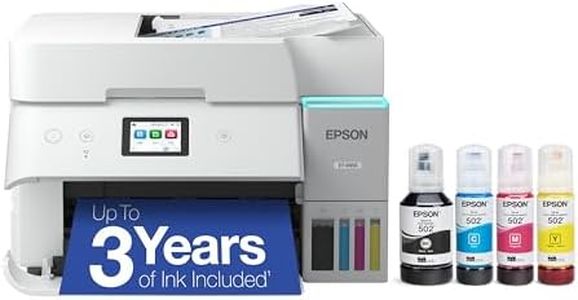
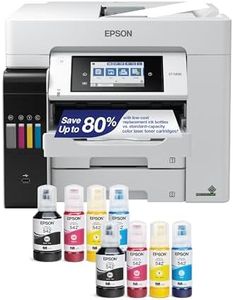
Related Products
Up to 27% off

Recommended lists


Our technology thoroughly searches through the online shopping world, reviewing hundreds of sites. We then process and analyze this information, updating in real-time to bring you the latest top-rated products. This way, you always get the best and most current options available.

Our Top Picks
Winner
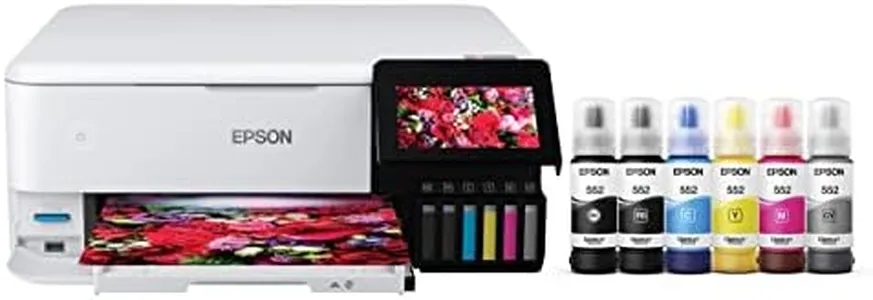
Epson EcoTank Photo ET-8550 Wireless Wide-Format Color All-in-One Supertank Printer with High Resolution Scanner, Ethernet, USB, and Color Touchscreen
Most important from
2530 reviews
The Epson EcoTank Photo ET-8550 is a versatile all-in-one printer that excels in delivering lab-quality photos and vibrant graphics. One of its major strengths is the cartridge-free printing system that uses high-yield ink bottles, significantly reducing printing costs. It can print up to 6,200 color pages with a single set of ink bottles, making it economical and environmentally friendly by reducing cartridge waste. The print quality is impressive, thanks to the Claria ET Premium 6-color inks and high-accuracy printhead, producing sharp text and vibrant colors. It can print a 4 x 6-inch photo in approximately 15 seconds, which is quite fast for photo printing.
The printer supports various media types, including borderless photos up to 13 x 19 inches and specialty media like cardstock and CDs/DVDs. It also features auto 2-sided printing, enhancing its utility for various projects. Connectivity is another strong point, with options like Ethernet, wireless, and mobile device support via the Epson Smart Panel app. The 4.3-inch color touchscreen and voice-activated printing add to its ease of use.
On the downside, the print speed for regular documents is moderate, with 16 pages per minute for monochrome and 12 pages per minute for color, which may not be sufficient for high-volume office tasks. The maximum input sheet capacity is 100 sheets, which might be limiting for heavy users. Additionally, while the printer is robust with numerous features, its larger size and weight (24.5 pounds) might require ample space for setup. The Epson EcoTank Photo ET-8550 is ideal for users who prioritize photo printing quality and cost-efficiency, making it a great option for creative projects and home offices.
Most important from
2530 reviews
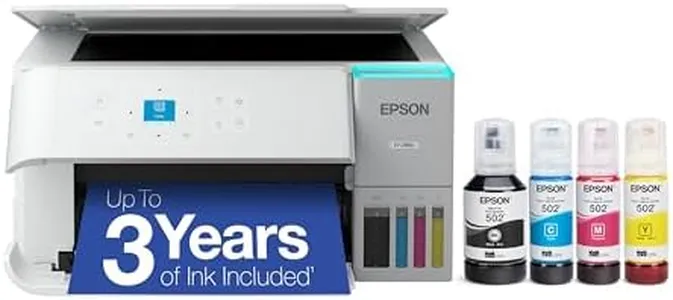
Epson EcoTank ET-2800 Wireless Color All-in-One Cartridge-Free Ink Supertank Printer with Scan and Copy for Home Use, White
Most important from
9872 reviews
The Epson EcoTank ET-2800 is designed as a practical solution for home printing needs, especially for those who want to cut down on ink costs. One of its standout features is the innovative cartridge-free system, which uses high-capacity ink tanks. This allows users to save up to 90% on replacement ink costs, making it a great choice for families or individuals who print frequently. The printer comes equipped with enough ink to last up to two years, which minimizes the hassle of running out of ink unexpectedly.
Print quality is another strong point for the ET-2800. Thanks to Epson’s Micro Piezo technology, it delivers sharp text and vibrant color photos, suitable for a variety of paper types. Users can also benefit from the built-in scanner and copier, which adds versatility to everyday tasks.
On the downside, the print speed might not impress those who need to print large volumes quickly; it manages 10 pages per minute in monochrome and 5 pages per minute in color, which is on the slower side compared to some competitors. Additionally, while it supports wireless and wired connectivity, the lack of automatic duplex printing means users will have to manually flip pages to print on both sides, which could be a minor inconvenience for some.
Another consideration is the printer's size and weight; at 8.8 pounds, it’s relatively portable, but may take up a bit of space in a home office setup. The EcoTank ET-2800 is ideal for home users looking for an affordable and reliable printer that can handle basic printing, scanning, and copying tasks without the ongoing hassle of changing cartridges frequently. Its environmental benefits, such as reduced cartridge waste, also make it an attractive option for eco-conscious consumers.
Most important from
9872 reviews
Epson EcoTank ET-4800 Wireless All-in-One Cartridge-Free Supertank Printer with Scanner, Copier, Fax, ADF and Ethernet – Ideal-for Your Home Office, White
Most important from
6180 reviews
The Epson EcoTank ET-4800 is a versatile all-in-one printer that excels in providing cost-effective and eco-friendly printing solutions. Its standout feature is the cartridge-free design, which uses high-capacity ink tanks. This significantly reduces the cost of printing, saving up to 90% on replacement ink and providing enough ink to print up to 4,500 black and 7,500 color pages. This makes it ideal for users who require frequent printing without the hassle of constantly replacing cartridges. Additionally, the EcoTank system helps reduce waste, making it an environmentally friendly choice.
Print quality is impressive due to Epson's Micro Piezo Heat-Free Technology, delivering sharp text and vibrant graphics on various paper types. The inclusion of a high-resolution scanner, copier, and fax, along with an Automatic Document Feeder (ADF), makes it a comprehensive solution for home office needs. It supports modern connectivity options like Ethernet, Wi-Fi, and even voice-activated printing through the Epson Smart Panel App, enhancing its convenience and versatility.
However, the ET-4800 has a relatively modest print speed, with 10 pages per minute (ppm) for monochrome and 5 ppm for color prints, which might be slower compared to other printers in its class. Additionally, the paper handling capacity is limited to 100 sheets, which could be a drawback for high-volume users. Despite these limitations, the ET-4800's combination of cost savings, print quality, and multifunction capabilities make it a strong candidate for home office users seeking an efficient and environmentally friendly printer.
Most important from
6180 reviews
Buying Guide for the Best Epson Ecotank Printers
When choosing an Epson EcoTank printer, it's important to consider your specific needs and how different features will meet those needs. EcoTank printers are known for their high-capacity ink tanks, which can save you money on ink in the long run. However, there are several other factors to consider to ensure you get the best printer for your requirements.FAQ
Most Popular Categories Right Now


