10 Best Dual Monitor Mounts 2026 in the United States
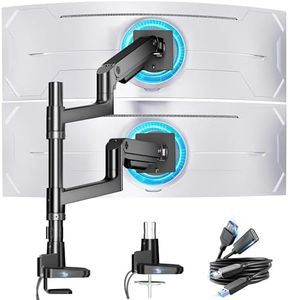

Related Products
Up to 14% off
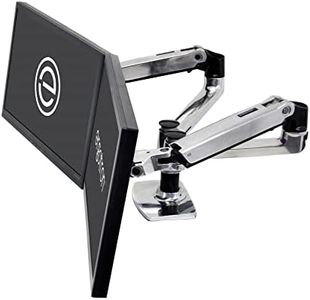
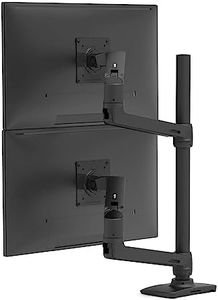
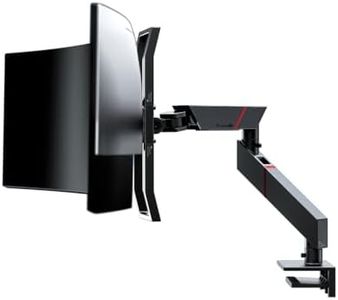
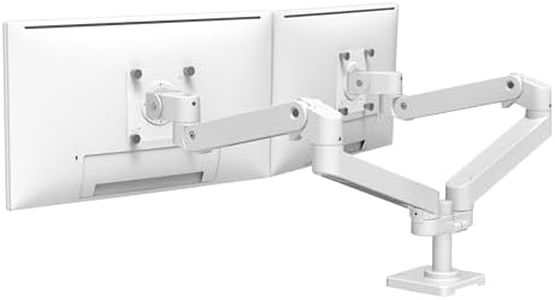
Our technology thoroughly searches through the online shopping world, reviewing hundreds of sites. We then process and analyze this information, updating in real-time to bring you the latest top-rated products. This way, you always get the best and most current options available.

Our Top Picks
Winner
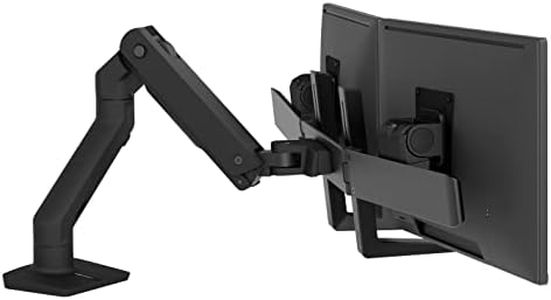
Ergotron – HX Dual Monitor Arm, VESA Desk Mount – for 2 Monitors Up to 32 Inches, 5 to 17.5 lbs Each – Matte Black
Most important from
127 reviews
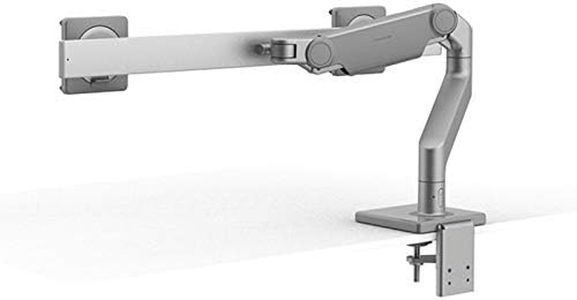
The Ergotron HX Dual Monitor Arm is a solid choice for anyone looking to optimize their workspace with two monitors, especially those with screens up to 32 inches and weighing between 5 to 17.5 pounds. One of its standout features is the broad compatibility with VESA mount patterns, making it suitable for various monitor brands. The arm allows for impressive adjustability, offering 11.5 inches of lift and a generous range of motion, including 360 degrees of rotation and a substantial 75 degrees of tilt. This flexibility promotes ergonomics, making it easier to find the perfect viewing angle and reducing neck strain during extended use.
The various mounting options are another strong point. Whether you prefer a desk clamp or a grommet mount, the setup is user-friendly and accommodates surfaces ranging from 0.6 to 2.6 inches thick. The build quality appears professional-grade, backed by extensive testing and a reassuring 10-year warranty, suggesting that it’s designed to last. Users can also enhance their productivity by adding accessories like the HX Triple Monitor Bow Kit.
There are a few considerations. While the arm's weight capacity supports a broad range of monitors, heavier setups could be an issue as the upper limit is just 17.5 pounds per monitor. Additionally, some users may find the initial installation a bit challenging, especially if they are unfamiliar with mounting hardware. Finally, while the arm is designed to minimize cable clutter, users will still need to manage their cords manually, which could detract from the tidy look of a dual-monitor setup.
Most important from
127 reviews
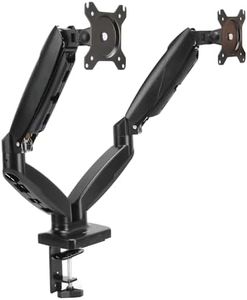
Amazon Basics Gas Spring Dual Monitor Arm Desk Mount, Adjustable Tension, Fits 15–27 Inch Monitors, Supports 4.4–15.4 lbs Each Arm, VESA 75x75/100x100, Black
Most important from
4020 reviews
The Amazon Basics Gas Spring Dual Computer Monitor Arm Mount is designed for users looking to optimize their workspace with a dual-monitor setup, making it a great choice for professionals, gamers, or anyone who needs multiple screens. One of its standout features is its adjustable design, compatible with monitors ranging from 15 to 27 inches and weighing between 4.4 and 15.4 pounds. This flexibility allows you to customize your monitor positioning with ease, thanks to its tilt, swivel, and rotation capabilities. The gas spring mechanism ensures smooth adjustments, enhancing user convenience.
Installation is straightforward with either a C-clamp or grommet base mount, accommodating desk thickness up to 4 inches. The included cable management system helps keep your workspace tidy, a crucial factor for maintaining an organized environment.
The Amazon Basics dual monitor mount is well-suited for casual users who need a functional and affordable solution for their dual-monitor setup. Its strengths lie in its adjustability and easy installation, while potential drawbacks include weight limitations and variable build quality.
Most important from
4020 reviews
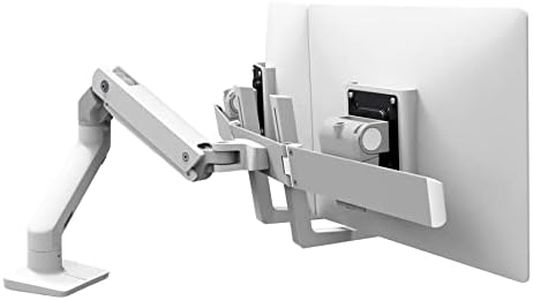
Ergotron – HX Dual Monitor Arm, VESA Desk Mount – for 2 Monitors Up to 32 Inches, 5 to 17.5 lbs Each – White
Most important from
127 reviews
The Ergotron HX Dual Monitor Arm is a solid choice if you need a sturdy and flexible desk mount for two monitors up to 32 inches each. It supports monitors weighing between 5 and 17.5 pounds, which covers most standard screens. The arm works with common VESA patterns (75x75mm and 100x100mm), making it compatible with many monitors. You get multiple mounting options, including a desk clamp for edges or a grommet mount through your desk, adding flexibility depending on your workspace setup.
Adjustability is a strong point here: you can lift your monitors up to 20.6 inches, tilt up to 75 degrees, rotate fully, and even fold the monitors outward for easier screen sharing or collaboration. This makes it comfortable to find the ideal viewing angle and height to reduce neck or eye strain. The construction is metal and designed to last, backed by a 10-year warranty, which speaks well to its durability. The mount is a bit on the heavier side, which reflects its robust build but might require a sturdy desk for installation.
If you're looking for a reliable, professional-grade dual monitor arm with excellent flexibility and solid build quality, this Ergotron model is a great option, especially if your monitors fall within the supported size and weight ranges.
Most important from
127 reviews
Buying Guide for the Best Dual Monitor Mounts
Choosing the right dual-monitor mount can significantly enhance your workspace by providing better ergonomics, saving desk space, and allowing for more flexible monitor positioning. To find the best fit for your needs, it's important to understand the key specifications and how they align with your specific requirements.FAQ
Most Popular Categories Right Now


