10 Best Drawing Tablet With Screen 2026 in the United States


Related Products
Up to 28% off
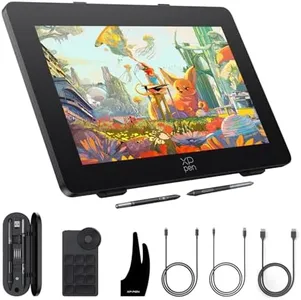
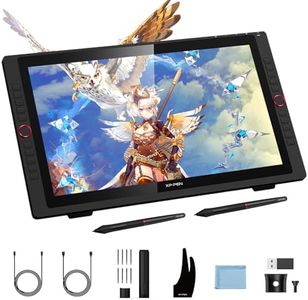
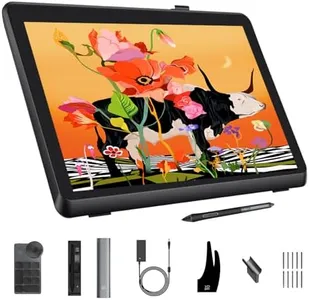
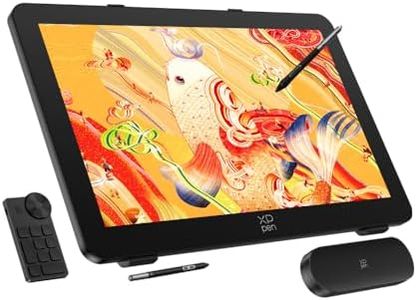
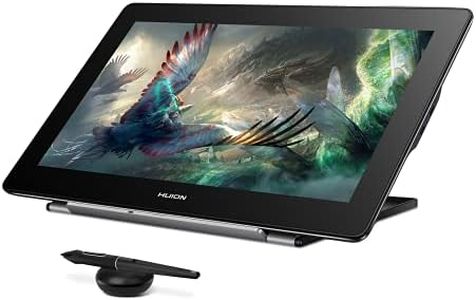
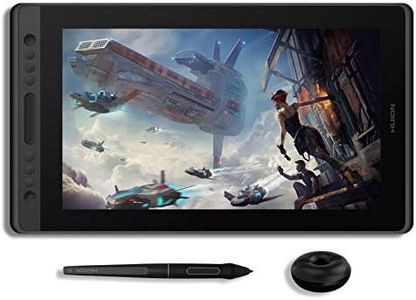
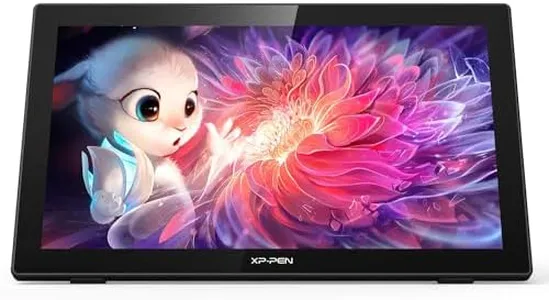
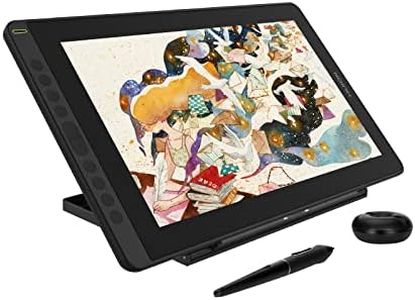
Our technology thoroughly searches through the online shopping world, reviewing hundreds of sites. We then process and analyze this information, updating in real-time to bring you the latest top-rated products. This way, you always get the best and most current options available.

Our Top Picks
Winner
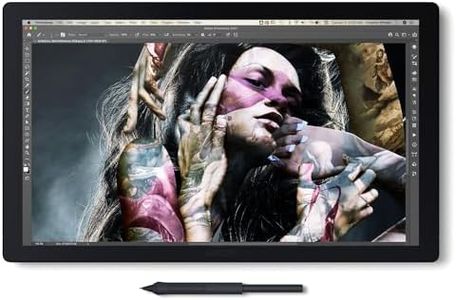
Wacom Cintiq Pro 17 Drawing Tablet with Screen, 17.3" Ultra HD 4K. 10-bit 120Hz Touchscreen Display Graphic Arts Tablet with Pro Pen 3, for Windows PC, Mac, Linux
Most important from
651 reviews
The Wacom Cintiq Pro 17 is an impressive drawing tablet that caters well to creative professionals, especially graphic designers and illustrators. With a generous 17.3-inch Ultra HD 4K display, it provides vibrant, high-resolution visuals that make your artwork pop. The 8192 levels of pen pressure sensitivity ensure precision and responsiveness, while the Pro Pen 3 adds to the experience with customizable grips and side switches, allowing for a tailored drawing experience. The tablet’s 120Hz refresh rate minimizes latency, which is crucial for seamless drawing and sketching, particularly in fast-paced environments.
On the ergonomic side, the Easy Stand allows you to adjust the tablet to a comfortable angle, and the additional features like 8 customizable ExpressKeys make workflow more efficient. The multi-touch capability further enhances user interaction, enabling gestures that can speed up your creative process.
However, there are a few drawbacks to consider. The tablet is on the heavier side at 4.9 pounds, which might not be ideal for users looking for portability. While it does support multiple operating systems, the reliance on USB connectivity might limit some users who prefer wireless options. Additionally, the screen resolution is excellent, but the size may not suit everyone, especially those with limited desk space.
Most important from
651 reviews
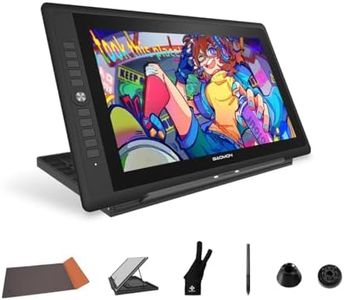
GAOMON PD156Pro Drawing Tablet with Screen, Dial+10Keys, Full-Laminated
Most important from
2033 reviews
The GAOMON PD156Pro is a 15.6-inch drawing tablet with a full high-definition screen offering a 1920x1080 resolution and 120% sRGB color gamut. This means you get vibrant and accurate colors, making it suitable for detailed digital art and graphic design work. The full-laminated technology helps reduce parallax, offering a more natural drawing experience. The pre-applied anti-glare film enhances this by decreasing reflections and providing a paper-like texture, which many artists prefer.
The battery-free stylus is a standout feature, with 8192 levels of pressure sensitivity and ±60° pen tilt recognition, allowing for precise and natural strokes. Additionally, the stylus includes two customizable hotkeys for added convenience. Usability is further enhanced by 10 programmable shortcut keys and a versatile dial key, which can significantly speed up workflow processes. Connectivity is simplified with a single cable that handles both data and power, though it requires both USB-A and HDMI ports on your laptop or computer.
The tablet is lightweight and portable, featuring a foldable stand and a protective leather case, which makes it travel-friendly. It is compatible with both Windows and macOS and works well with major drawing software like Photoshop, Illustrator, and more. However, users might find the screen resolution slightly lacking compared to higher-end models with 4K displays. Additionally, setting up the single-cable connection might be challenging for those not familiar with HDMI and USB configurations. Despite these minor drawbacks, the GAOMON PD156Pro offers excellent value for artists, illustrators, and graphic designers looking for a balanced, feature-rich drawing tablet.
Most important from
2033 reviews
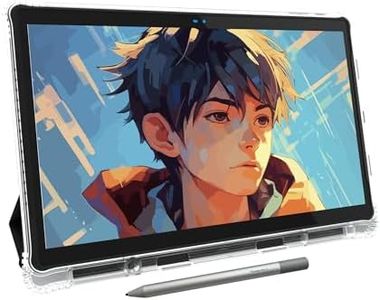
PicassoTab-X11 Standalone Drawing Tablet • No Computer Needed • Pro Drawing Apps & Tutorials • 11" Laminated 2K Screen • 4096 Pressure Stylus Pen • Portable Graphic Tablet for Artists, Students -X11
Most important from
680 reviews
The X11 Drawing Tablet, also known as PicassoTab, is a portable, standalone device ideal for beginner digital graphic artists. With its 11-inch Full HD screen, it provides a decent-sized canvas for your creative endeavors. The fully laminated screen ensures minimal parallax, making your drawing experience more precise and enjoyable. Additionally, the anti-glare feature gives a paper-like feel, reducing reflections which enhances usability in different lighting conditions.
The included stylus pen offers a good level of pressure sensitivity. The tablet comes with pre-installed drawing and animation apps like Concepts, Infinite Painter, and Flipaclip, which are excellent for nurturing creativity. Artixo, an app with beginner-friendly drawing tutorials, is a great addition for those new to digital art.
The X11 is quite versatile; it features 6GB of RAM and a 128GB storage capacity, driven by an octa-core CPU, which means it can multitask between drawing, storing files, and entertainment smoothly. Connectivity options aren’t detailed, but its standalone nature means it doesn’t require a computer, adding to its portability. The build quality seems robust, and at 3.28 pounds, it’s relatively lightweight, making it easy to carry around. Some drawbacks include the potential lack of advanced features which might limit its appeal for professional use. The X11 suits beginners or hobbyists looking for an all-in-one portable drawing device.
Most important from
680 reviews
Buying Guide for the Best Drawing Tablet With Screen
Choosing the right drawing tablet with a screen can significantly enhance your digital art experience. It's important to consider various specifications to ensure the tablet meets your needs and preferences. Here are some key specs to look at and how to navigate them to find the best fit for you.FAQ
Most Popular Categories Right Now


